
A while ago, after constant reminders from my friend about how his birthday was coming up, I thought maybe I should try something as a small surprise to him. But what could that surprise be? and so after some thoughts and an aimless stare at the empty screen later I found myself installing OpenUtau on a whim at 1 AM.
Now this blog is for the people who want a quick guide on installation the software and the voicebank of their choice. This does not delve into any sort of advanced topics and so it's really upto you to figure that part out so good luck with it.
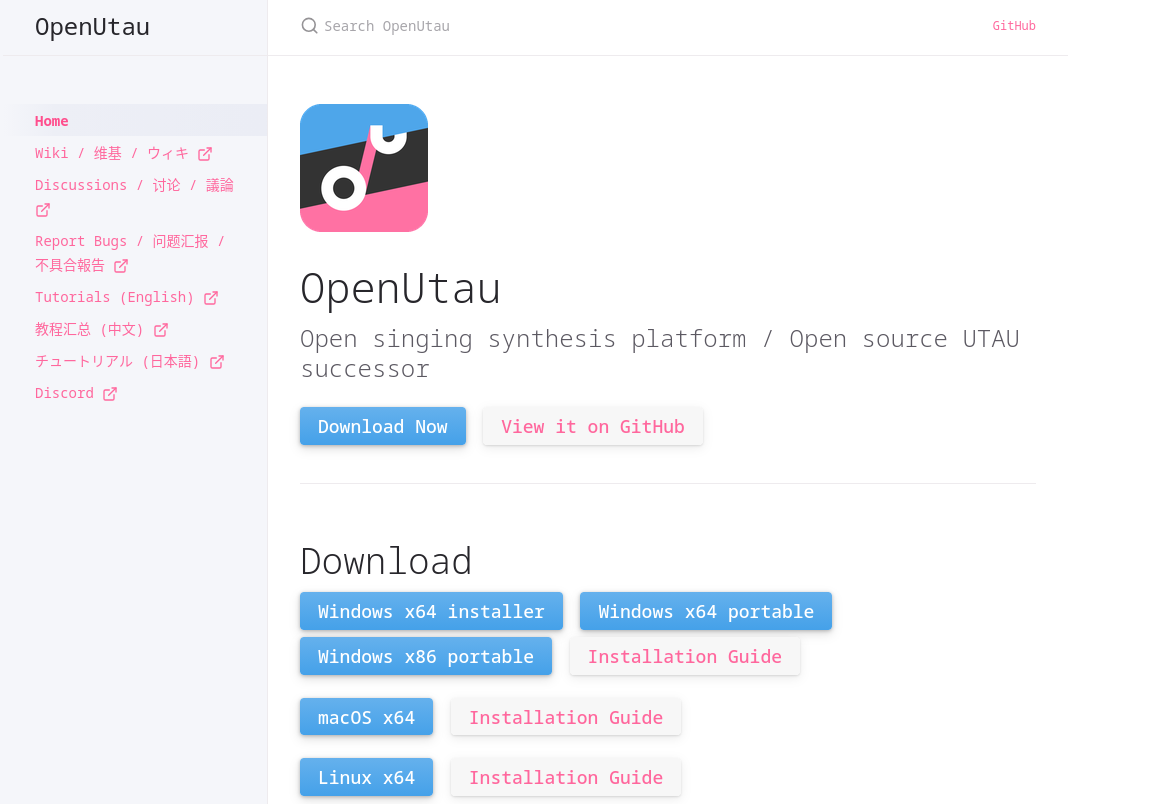
Anyways, the installation part is quite simple, go to the official OpenUtau website, and install OpenUtau bassed on your operating system.
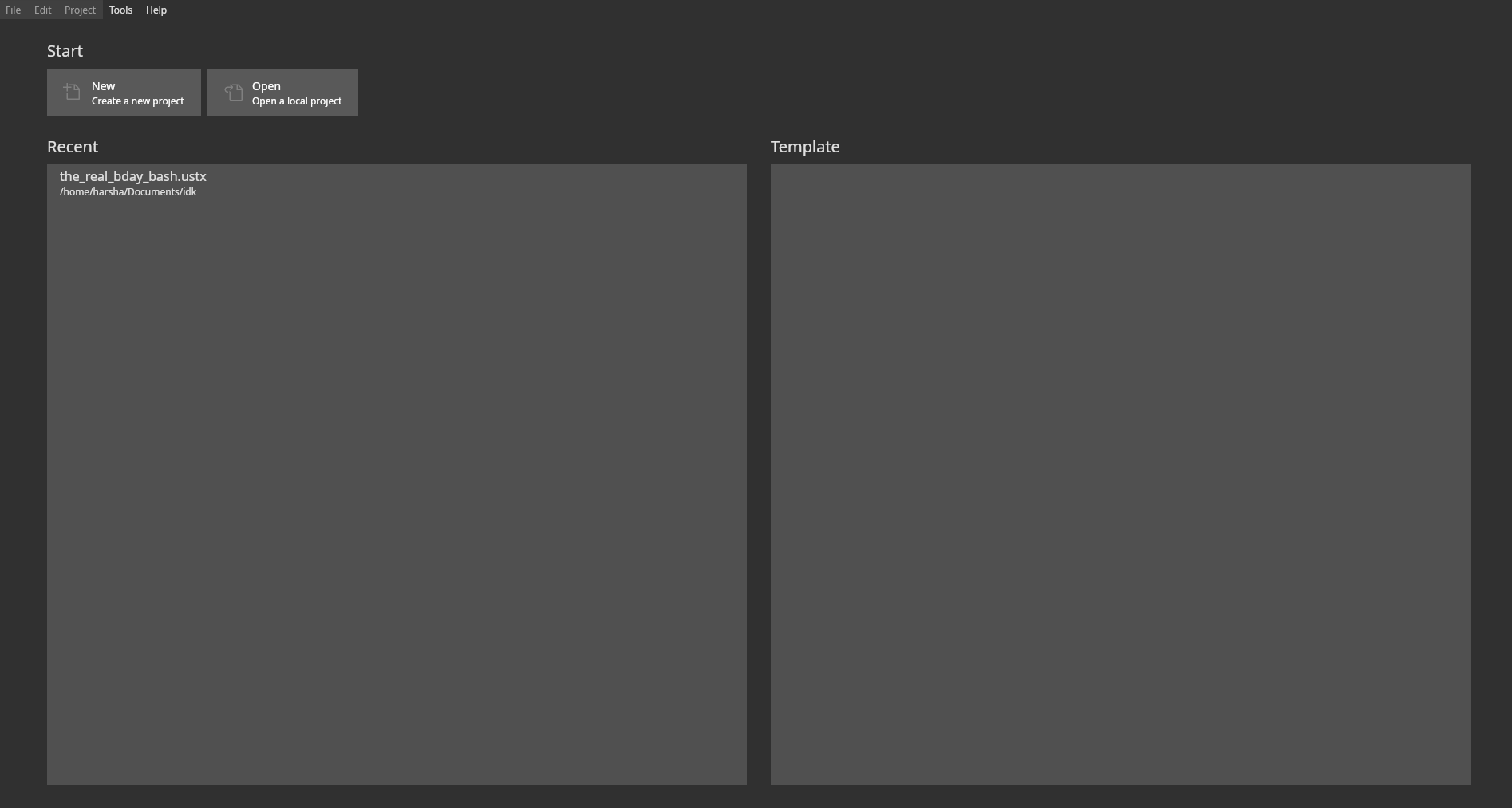
Now, after installation open the application and you will be greeted with this screen,
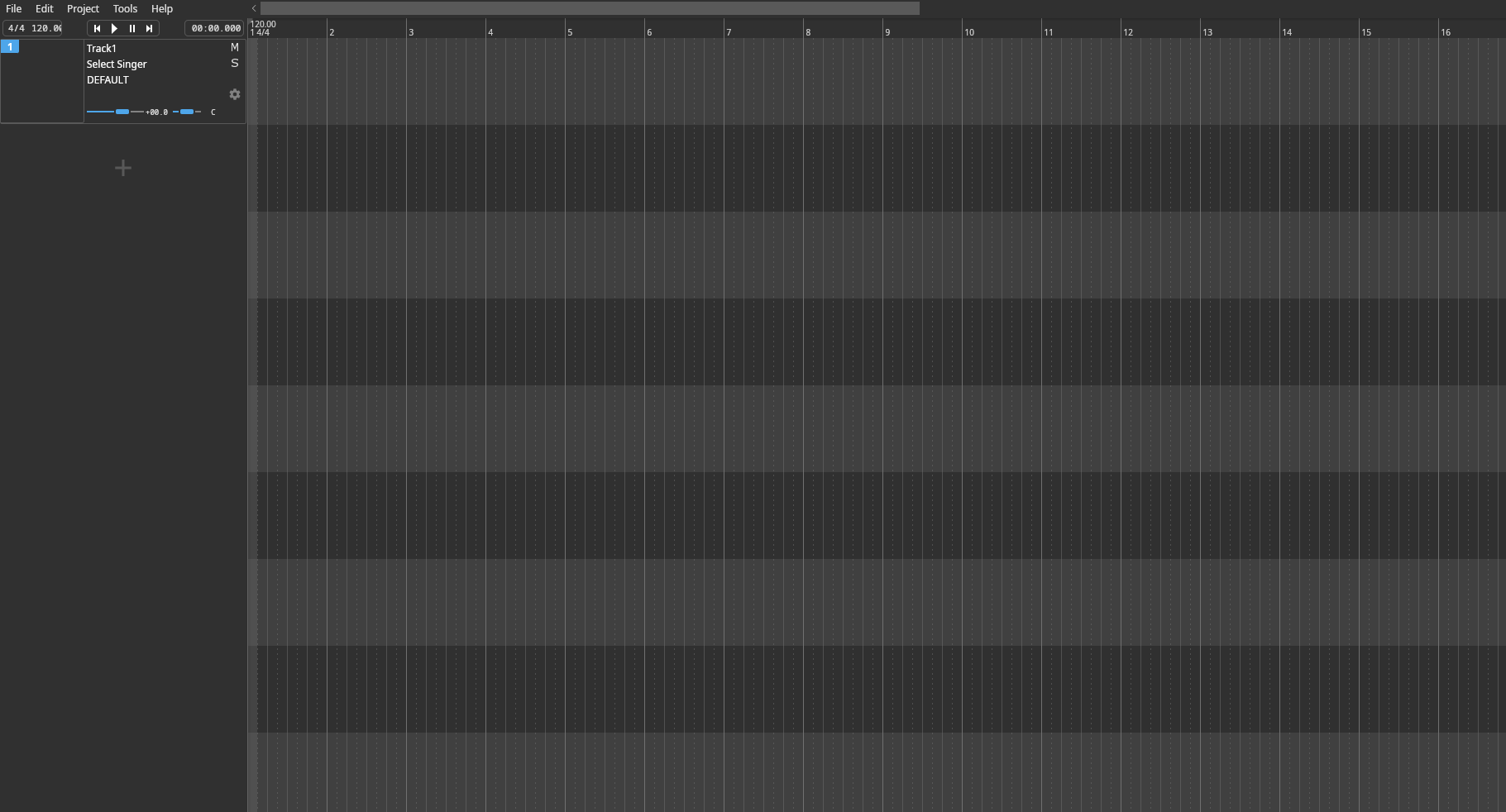
Now, click on the new project and you will be finding this screen,
Now, before we make our first song, we first need to install our singer and if it isn't obvious by the site, we shall be using kasane teto for this one. To get her voicebank, visit the official page of Kasane Teto and install either the japanese library set (the first one) or the english library set (the tenth one). In this tutorial we installed the japanese library set.
After the installation, go back to the openUtau project that we opened and at the left side of the screen, we can see the list of tracks. Now, go to track 1 and hover at the select singer option, you should be able to find the option to choose the singer.
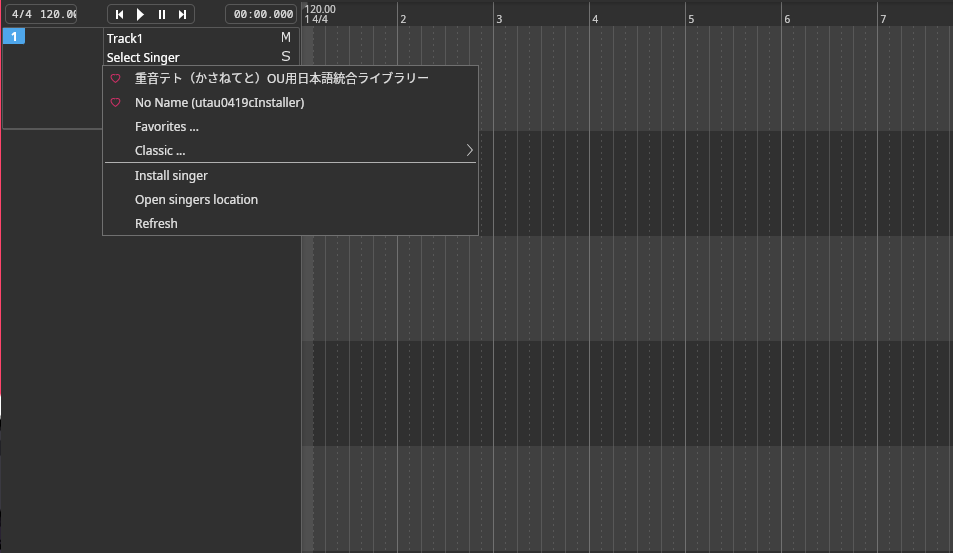 Well there you have it, we have successfully installed OpenUtau and Kasane Teto. Hopefully you got the installation part done without any hiccups and are able to use it properly.
Now, if you have arrived to this part I assume you have installed OpenUtau but can't seem to figure out what to do next. Well I was at the same situation after installing so hopefully this blog should be able to help you out with what you can do, with a simple walkthrough of my terrible recreation of the happy birthday song, by yours truly.
Quick Disclaimer:
ok to be fair I'm not at all experienced with making music and so I'm not really familiar with how the terminologies work and so this is just my interpretation and so do take it with a grain of salt and this is not a tutorial this is just how i managed to start out.
For the song making process you will be requiring two tracks, one will be the vocals and the other will be the background music, now with the case of the tracks we are going to be taking an help of a sequencer. In my case, I used Online Sequencer for making the track. You will be greeted with this screen.
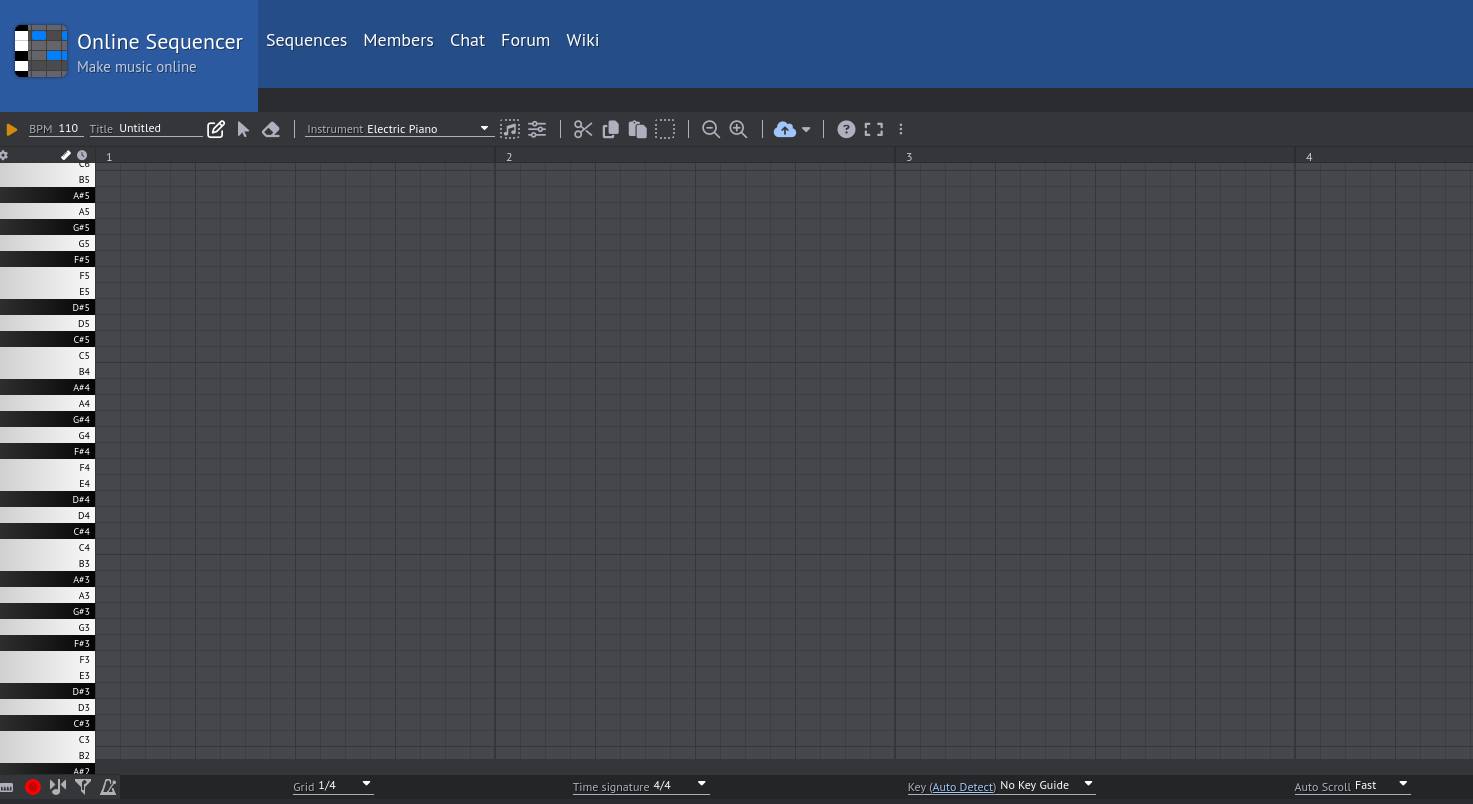
You will have to find a way to make the sequence either on your own or you have to hope that someone online has a sequence you are looking for. Now, since we are doing the birthday song i wanted to keep it simple (you will see in a bit)
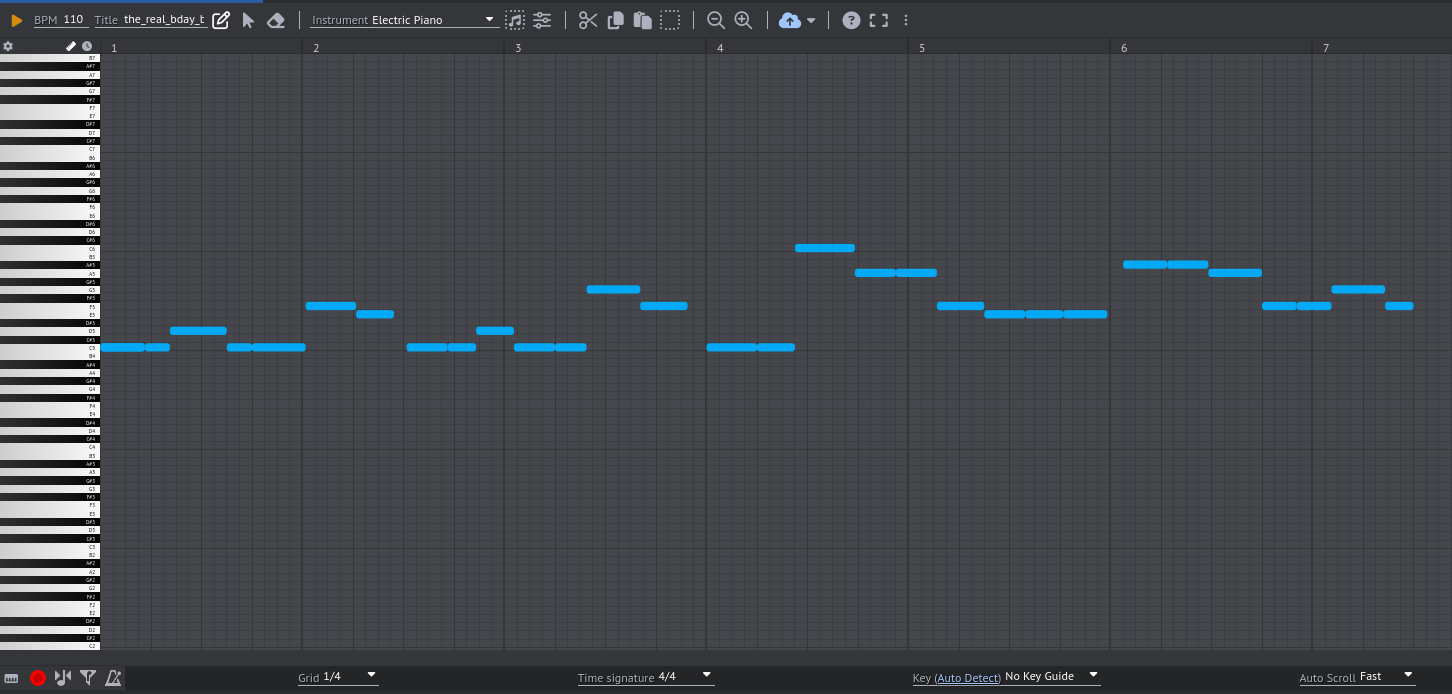
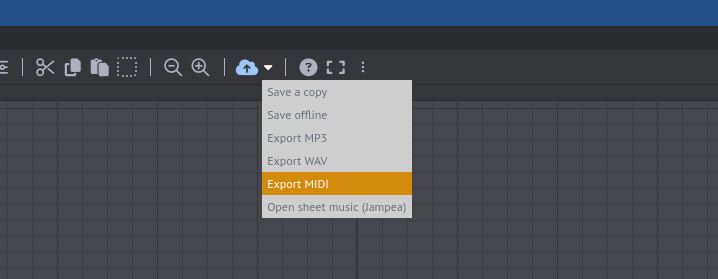
You will now have to export the sequence as a .midi file and this is optional but if you are sticking to this track as the background music, you can also export it as the .mp3 file aswell.
Now that we have our .midi file, we can now open OpenUtau and open a new project, now we will be importing the track we just made. By going to the file section and then selecting the import tracks option, and choosing the .midi file we just made, we will have successfully imported our .midi file as our track. Now, here we will have to select which singer will be using this track, so I'm going to be using Kasane Teto for this one and so we can just go to Track 1 and then the select singer option and choose Kasane Teto. After following all the steps, we finally end up here.
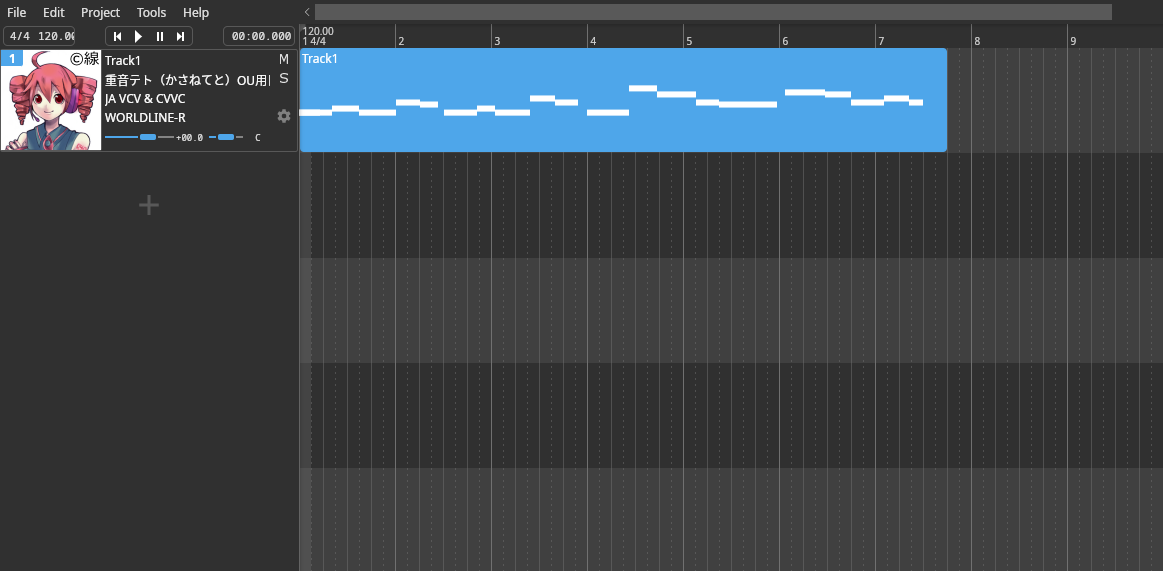
Next, we can just double tap on the track that's there to open up the track editor.
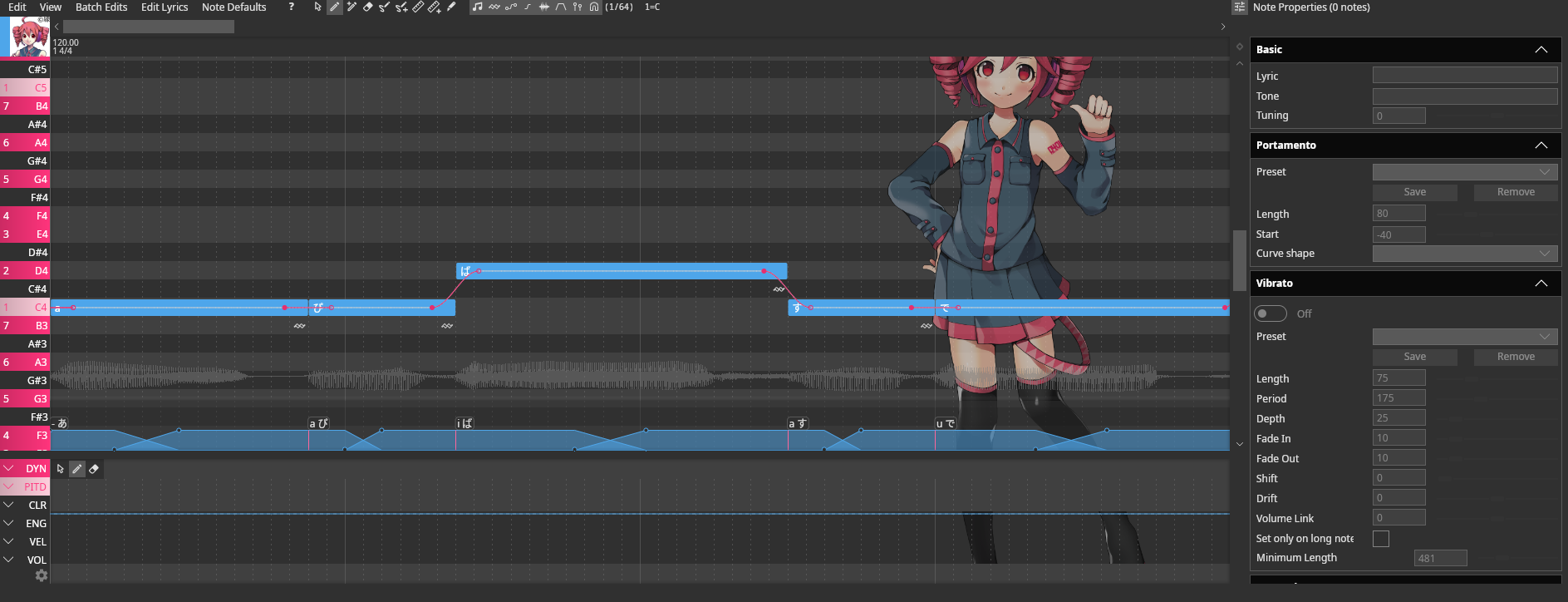
Now, this part is somewhat just me winging it out with the pronunciations, now to actually make Teto sing what we want we essentially have to edit each note containing the word or part of the word at that specific note and since I'm using the japanese library set, I will have to change how to pronunce it and see how to change it in the lyrics as it will only take inputs in Romaji. An example for this would be for the word birthday, so while pronunce birthday birth-day (two syllables), for the case of actually using it as the lyrics I have to change the pronunciation for it to fit the Romaji, so we will have to add a few more notes and split the word to ba-su-dai (probably the closest word i could find for birthday) and then sort the group of notes to make it so it naturally says it or how you want it to say it.
Now, after what felt like forever, of me just searching up how I can say english words in Romaji and just me seeing how to make it sound natural we will hopefully have been done with the vocals part. For us to add the background music, we can just go to files and import audio, to import out .mp3 file of either our sequence or an audio choice of your own. So at the end we should probably be ending up with this masterpiece.
All jokes aside, despite this awful attempt at making a birthday song, I decided to keep it this way because it felt funny and also because I just wanted to try something for fun. This process really showed how me how hard it is to actually make vocaloid songs and just made me fall in love with the songs even more. Will I make more horrible songs? Probably not as it was just made for a one time use. Hopefully you find this blog helpful for getting started with your own OpenUtau journey or had a good laugh with the audio and take care.